
Business Software & Applications / Interactive concept
Gather / Team Workspace
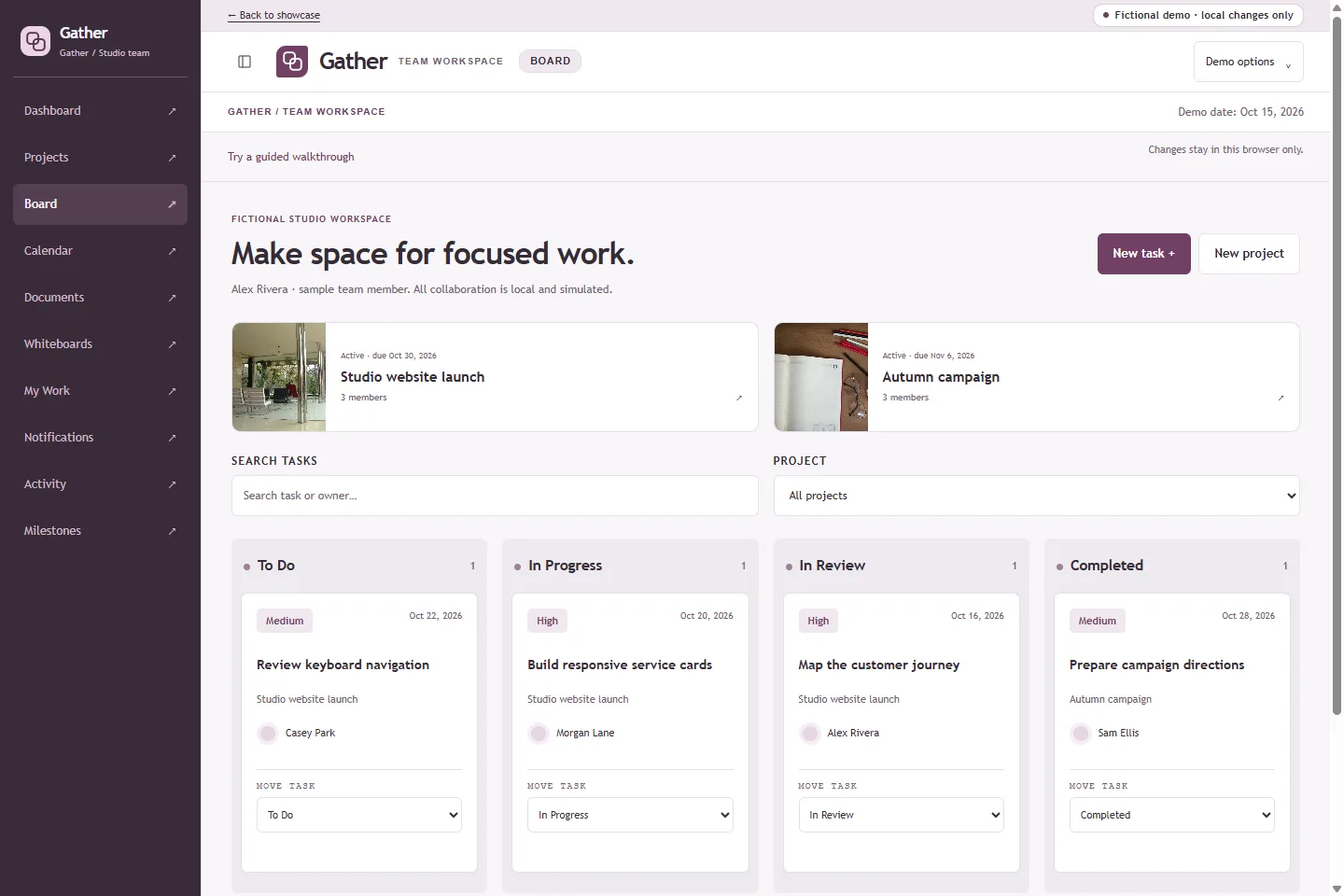
A fictional design team’s collaboration workspace: projects, a working Kanban board, documents with saved versions, shared whiteboards, a deadline calendar with sample events, shared tags, related items, mention notifications and a shared activity history.
What it helps organize
- Task ownership is unclear
- Documents and decisions are scattered
- Deadlines and progress are difficult to understand
Who it is for
- Creative teams
- Service agencies
- Project managers
Explore the capabilities.
Task assignment and priorities
Accessible Kanban controls
Deadline calendar with sample events
Documents with version history and discussion
Shared whiteboards with shapes and freehand drawing
Shared tag palette and related items
Mentions and a local notification inbox
My Work personal summary
Activity and workload summaries
Collaboration layer: documents, saved versions and anchored discussion
Shared tag palette and polymorphic related items
Mention-driven local notification inbox
Personal My Work summary
Whiteboards: shapes, freehand strokes, element discussion and undo
Task-linked delivery milestones
A workflow you can try.
- Create or open a project, then move a task through the board.
- Write a document, save a version and add a discussion note that mentions a teammate.
- Tag and relate documents, tasks and events, then open My Work for your tasks, events and unread mentions.
- Review the deadline calendar and the shared activity history.
- Sketch on a whiteboard with sticky notes, shapes and pen strokes, then discuss an element.
- Open Documents to write a fictional brief, save a version, then add a discussion note that mentions @Sam Ellis.
- Use the tag palette and Related items to connect documents, tasks and events.
- Open My Work and Notifications for your tasks, upcoming events and unread mentions.
- Open Milestones, link project tasks to a delivery date, then complete or reopen those tasks to update milestone readiness.
- Open Whiteboards to add a sticky note, drag a shape and draw a pen stroke, then discuss an element.
Build around your business.
The demo is a starting point, not a fixed product package. Scope and suitable integrations would be discussed around your requirements.