
Business Software & Applications / Interactive concept
Counter / Point of Sale
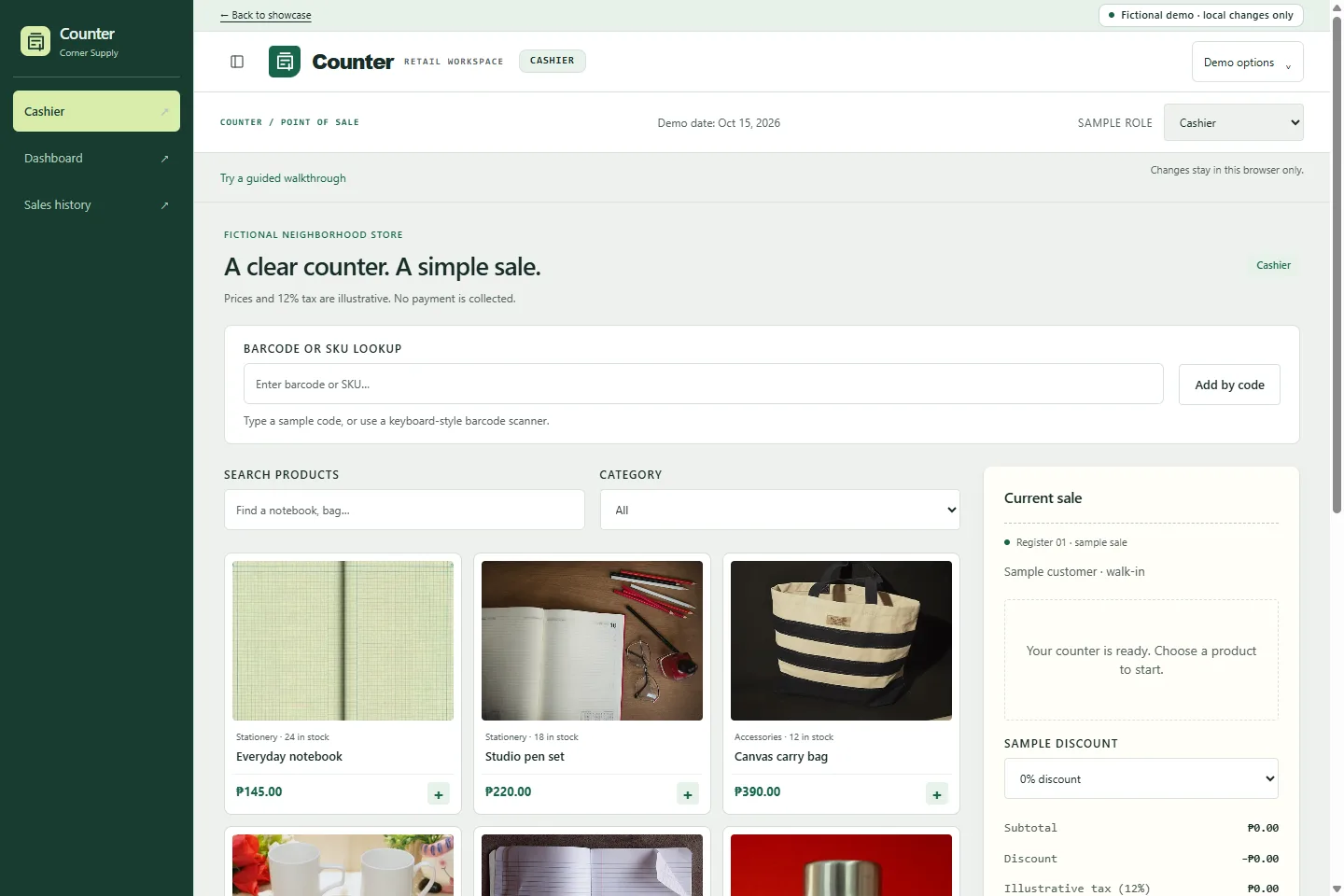
A cashier-first retail workspace for a fictional neighborhood supply store. Try a sale, inspect the receipt and see its effect on inventory.
What it helps organize
- Disconnected checkout and stock records
- Manual sales summaries
- Slow product lookup
Who it is for
- Independent retailers
- Store managers
- Multi-product businesses
Explore the capabilities.
Stock-aware cart
Discounts and illustrative tax
Inventory adjustments
Sales history and demo receipts
Cashier and manager roles
Receipt-linked partial returns and stock restoration
Refund history and net sales after returns
Product catalog with SKU, barcode and archiving
Costed batch receiving and earliest-expiry checkout
Physical counts, damage and expiration write-offs
Low-stock alerts, expiration watch and batch movement history
A workflow you can try.
- Find products and add them to the cart.
- Choose a sample discount and payment method.
- Complete a simulated sale and inspect its receipt.
- Switch to manager to review stock movements.
- Switch to Store Manager and open Products to create a fictional item with a unique SKU or barcode.
- Open Inventory, receive a costed batch, then inspect usable stock, expiry alerts and movement history.
- Return to Cashier and add the item by code. Checkout allocates unexpired batches with the earliest expiry first.
- Open Returns to restore items against their original receipt, or use Stock counts and Adjustments to record a reasoned correction.
Build around your business.
The demo is a starting point, not a fixed product package. Scope and suitable integrations would be discussed around your requirements.